Review last month's resources for config
Step 1
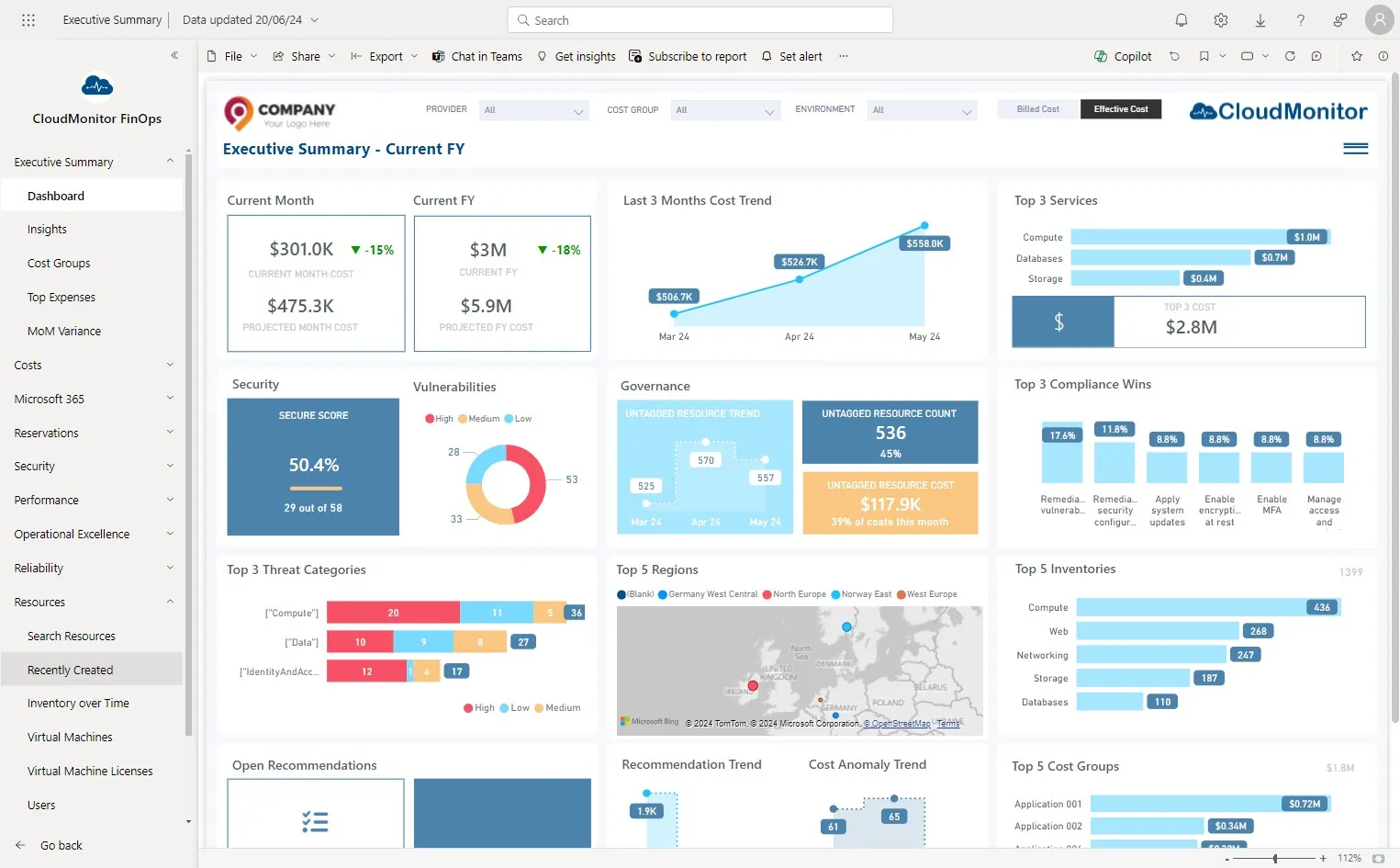
Section titled “Step 1”Click “Resources” and then click on “Recently Created”
Step 2
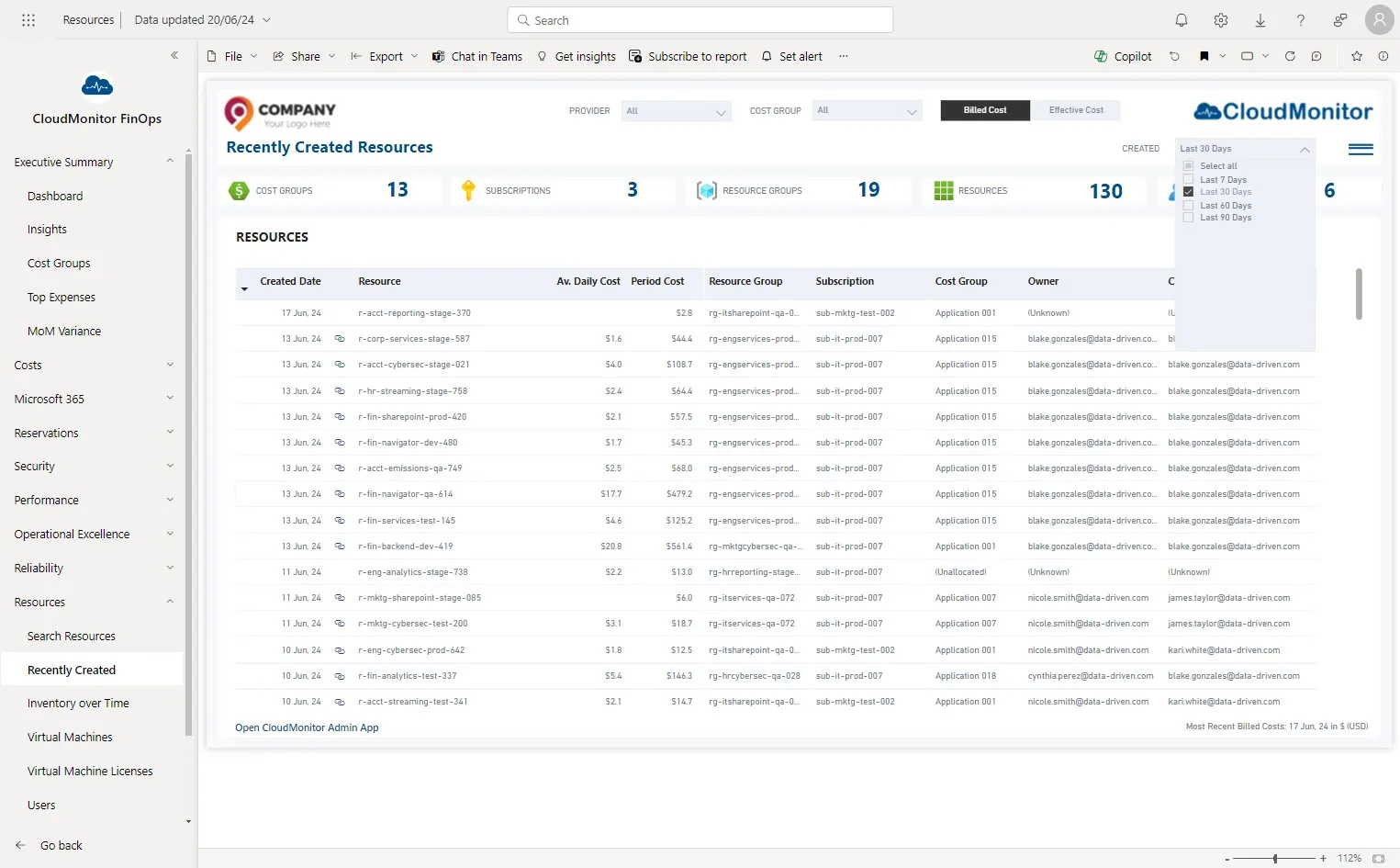
Section titled “Step 2”Click “Last 30 Days” from the “Created” Slicer
Step 3
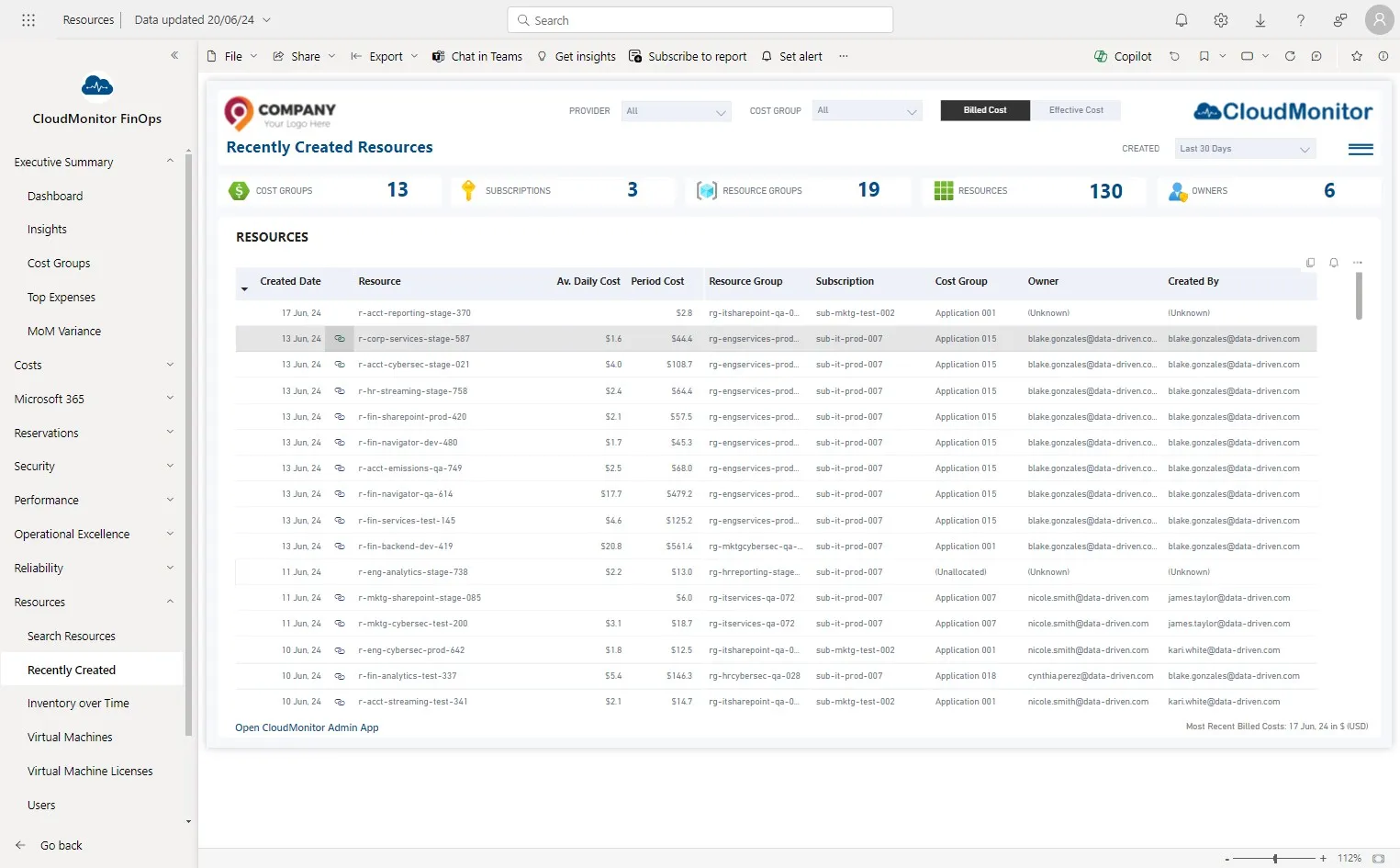
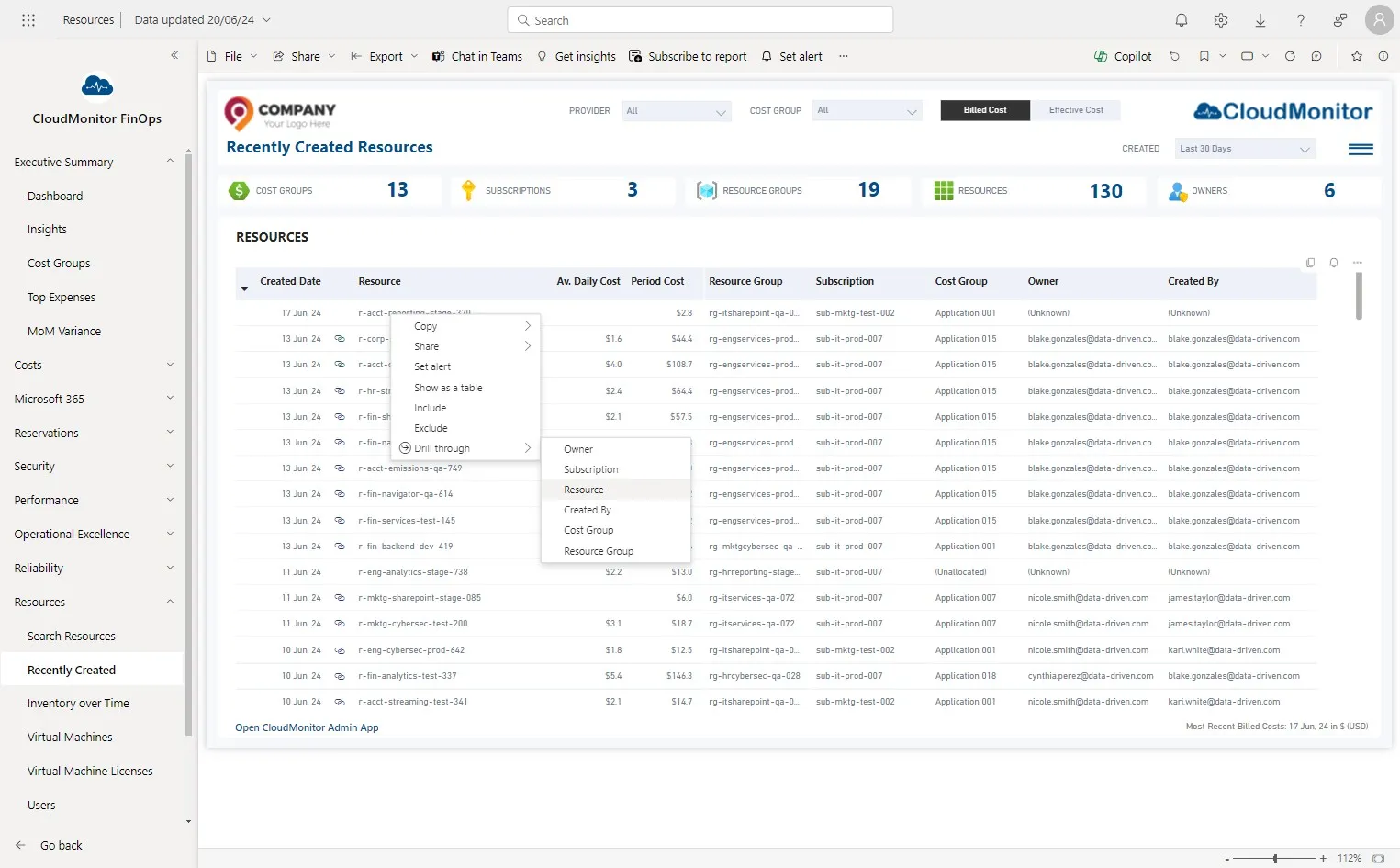
Section titled “Step 3”This is the list of resource which was created within lasdt 30 days.
Users can click this link to view the Resource in Azure Portal.
Step 4
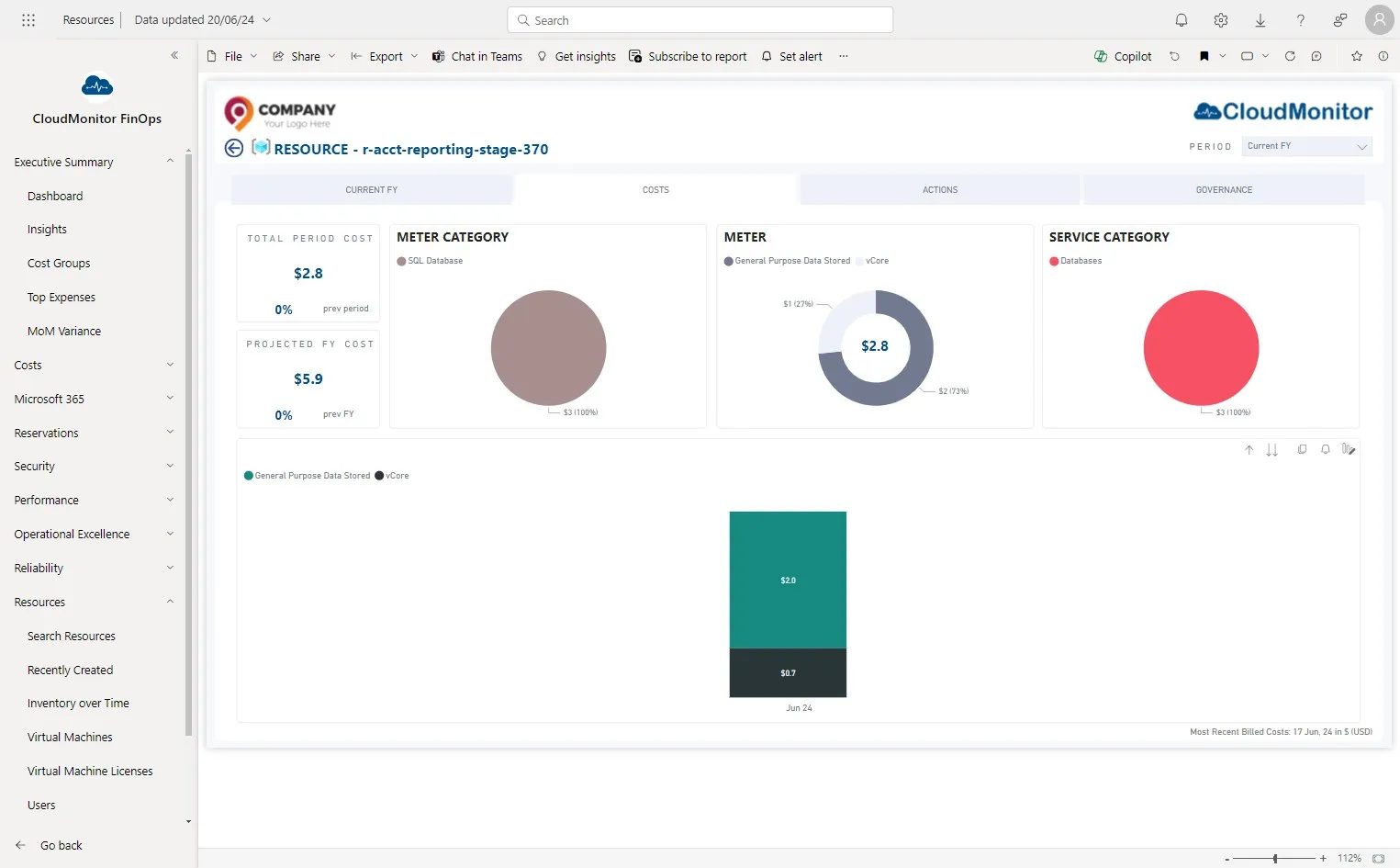
Section titled “Step 4”Users can drill down to detailed level by clicking on the “Resource”.
Step 5
Section titled “Step 5”More details about the selected resource can be viewed by clicking on each tab.