Dashboard Personalization
Can I personalize my dashboard?
You can write your own Reports and merge CloudMonitor data with your Financial system or dynamics.
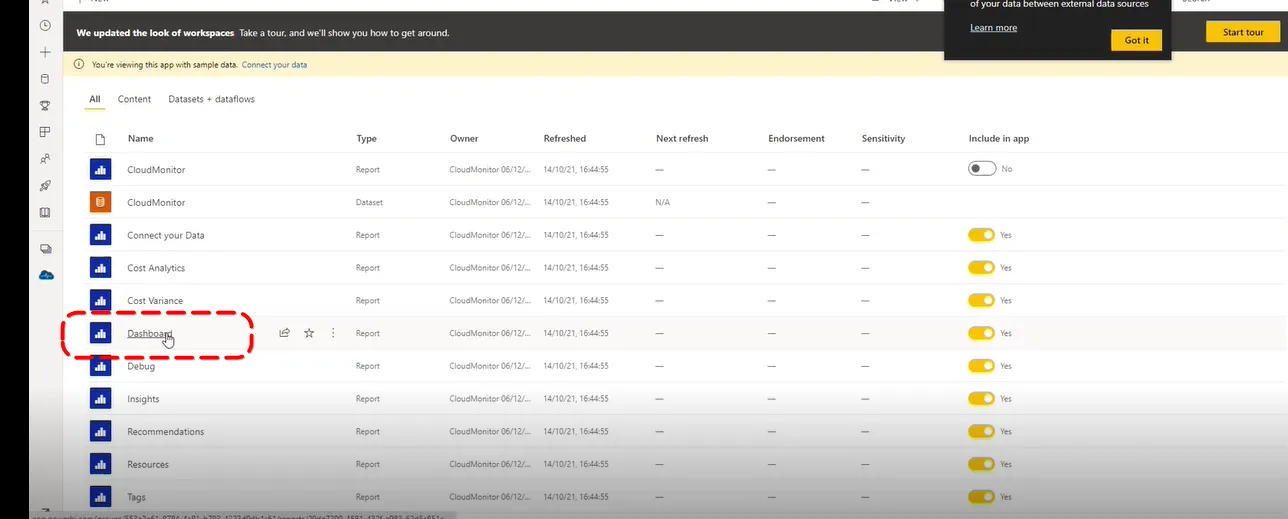
To do this, click on Dashboard:
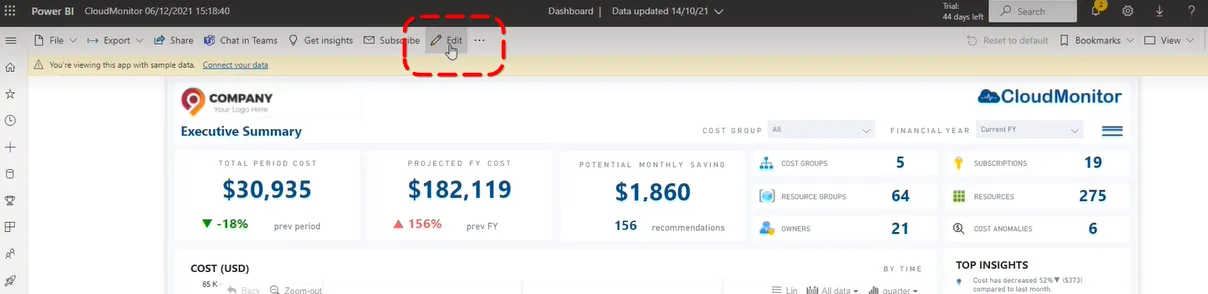
Click on “Edit” option at the top center of the screen:
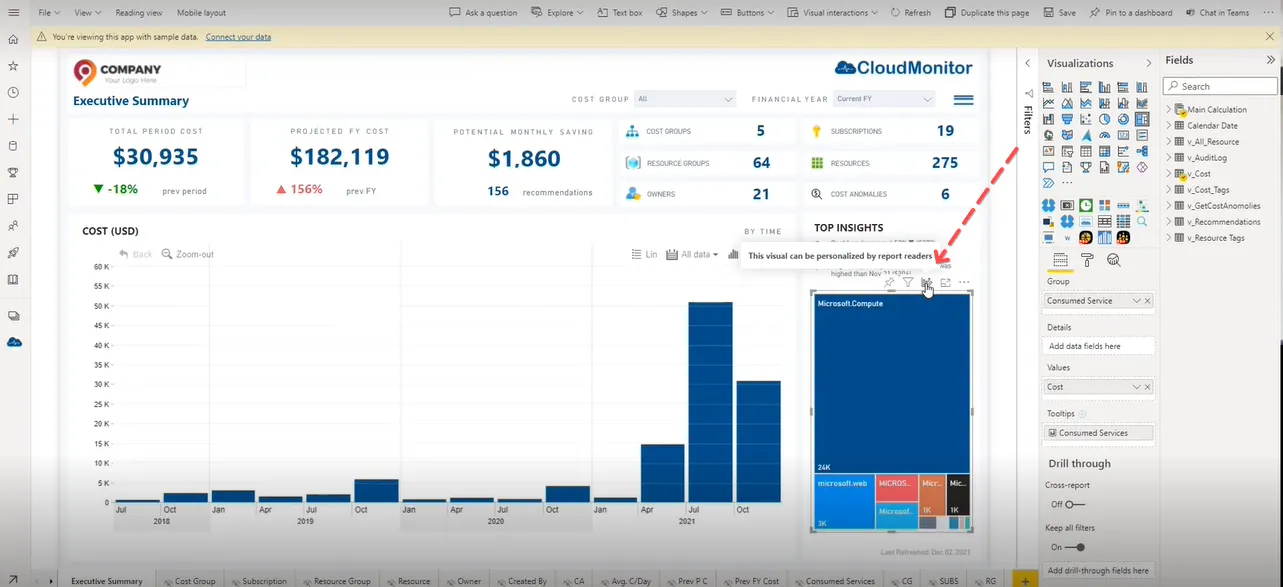
From here, you can edit the layout of the charts. Any changes you made will then be saved in the report.
Note: Whenever there’s a new release, the personalized setting you have will be replaced with the updated version’s default layout.