View your subscription hierarchy
You can view it in the Azure Portal.
Just go to Subscription > ResourceGroup > Resource
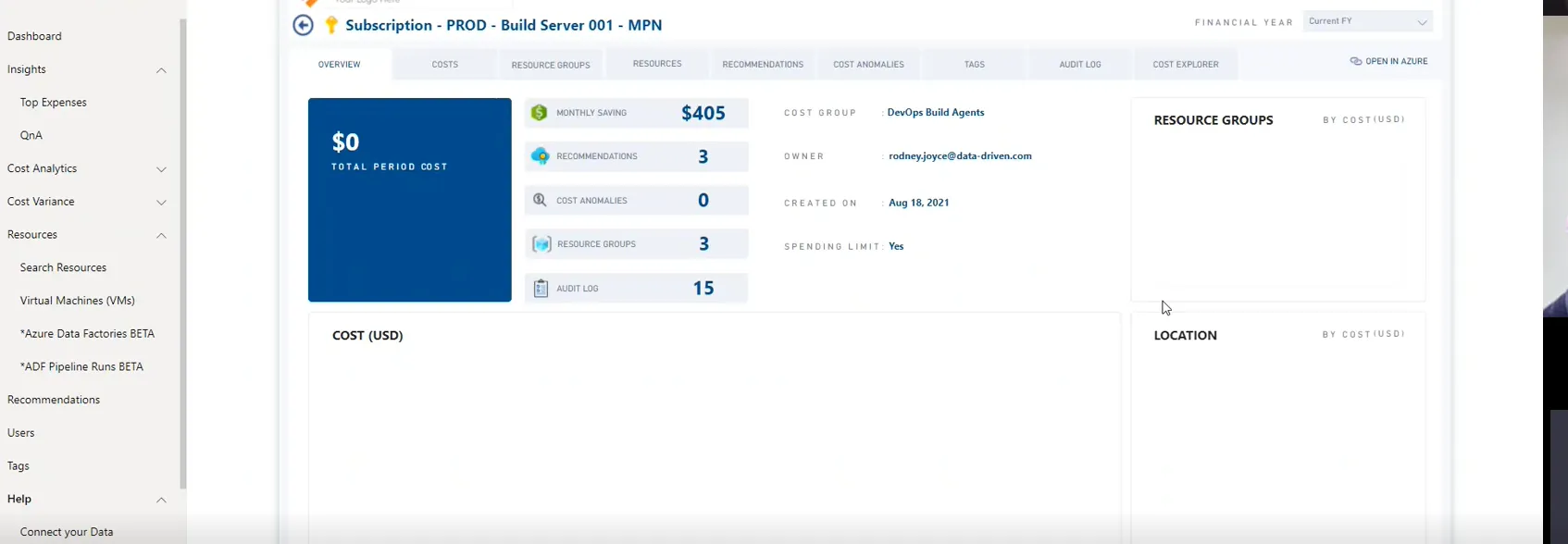
After choosing “Subscription”, you will be led to a page that shows all the details of that subscription i.e., costs, resource groups, resources, recommendations, etc.