How do I send the reports to my email?
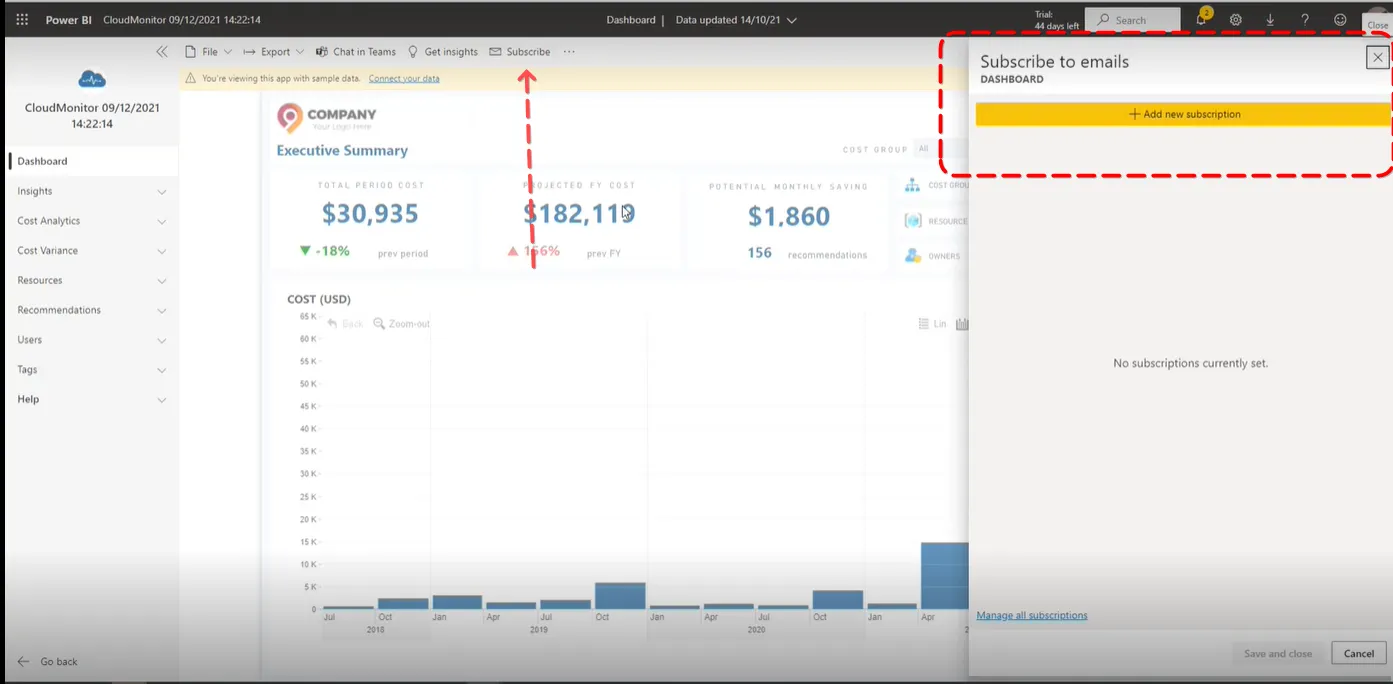
You just have to click on the “Subscribe” option found at the top of the report. Then click on ”+ Add new subscription”.
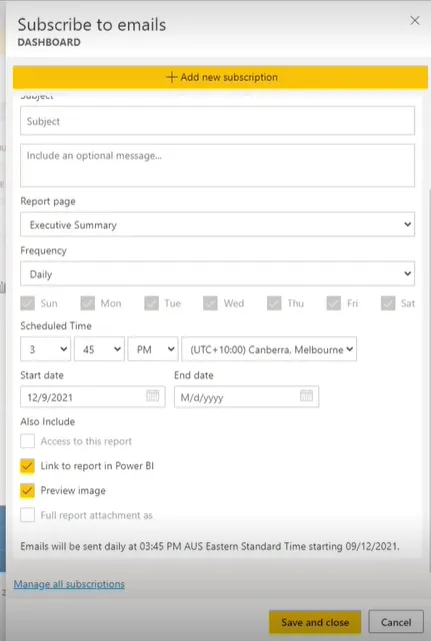
From here you can edit the details you need i.e., the subject, frequency, scheduled time of sending, etc.
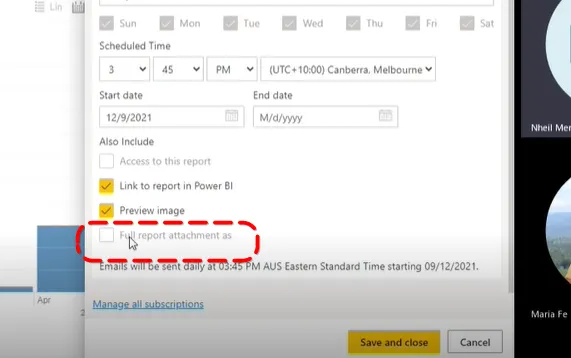
The “Full report attachment as” is accessible only for the Premium Power BI workspace. The report will be in a .pdf and .ppt file format.