Cost Optimization
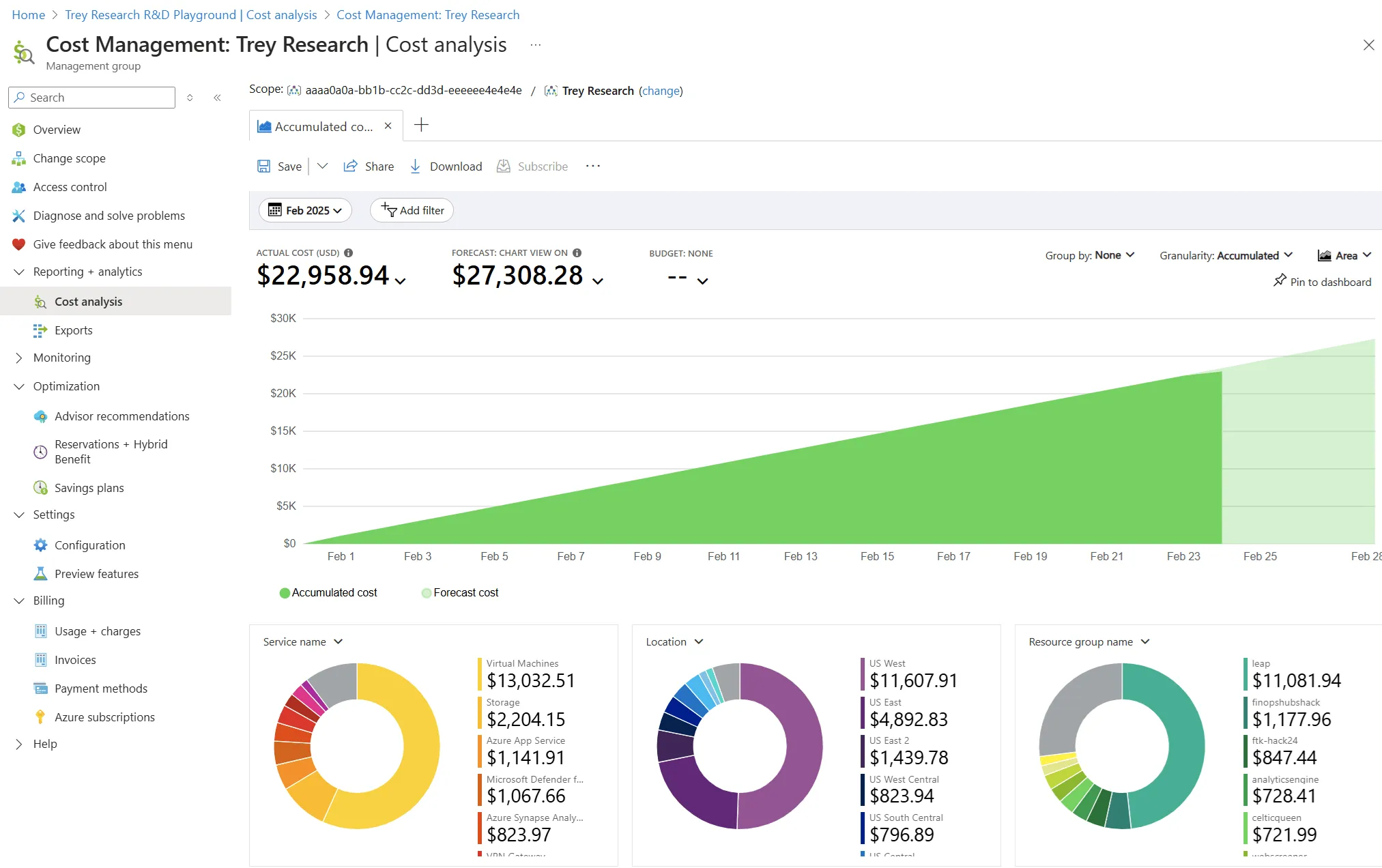
Azure Costs Out of Control? 5 Warning Signs and How to Fix Them
Five warning signs your Azure spend is spiralling — and the FinOps governance controls that bring it back under control.
Cost Optimization
Five warning signs your Azure spend is spiralling — and the FinOps governance controls that bring it back under control.
Cost Optimization
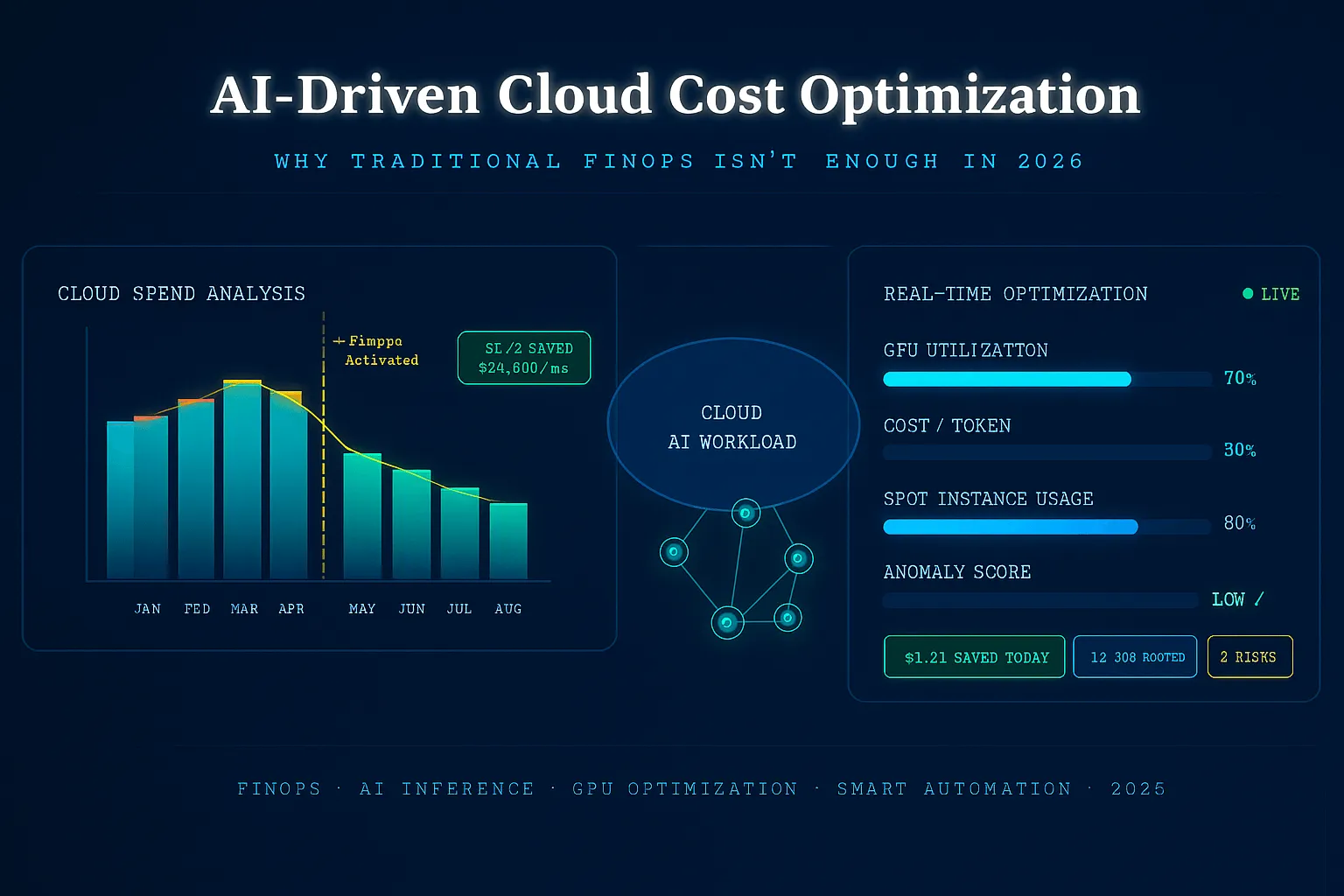
Why traditional FinOps falls short for AI workloads, GPU clusters, and dynamic cloud environments in 2026 — and what AI-driven optimization adds.
Cost Optimization
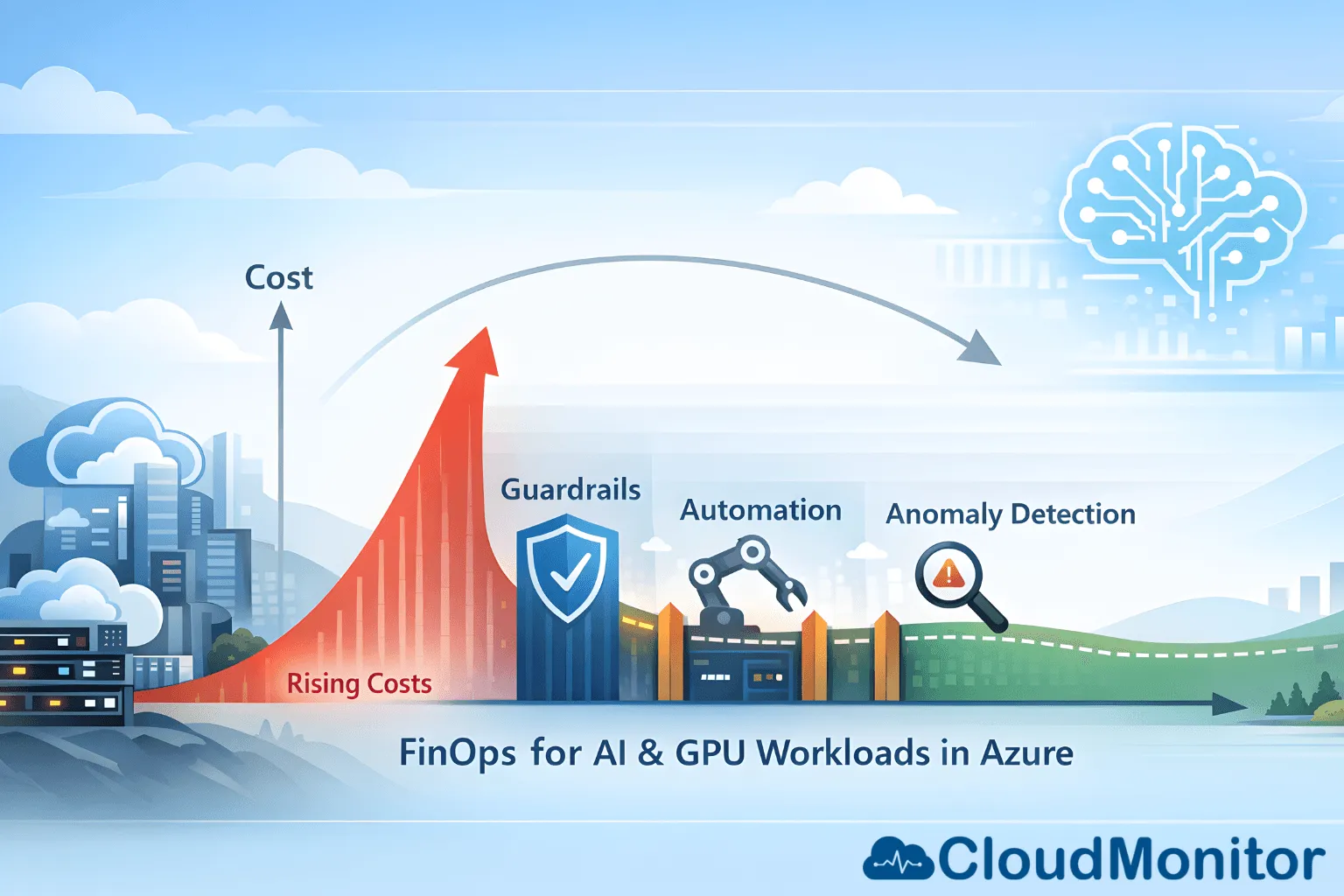
FinOps for AI and GPU-intensive workloads on Azure — how to control inference, training, and experimentation costs without slowing innovation.
Cost Optimization
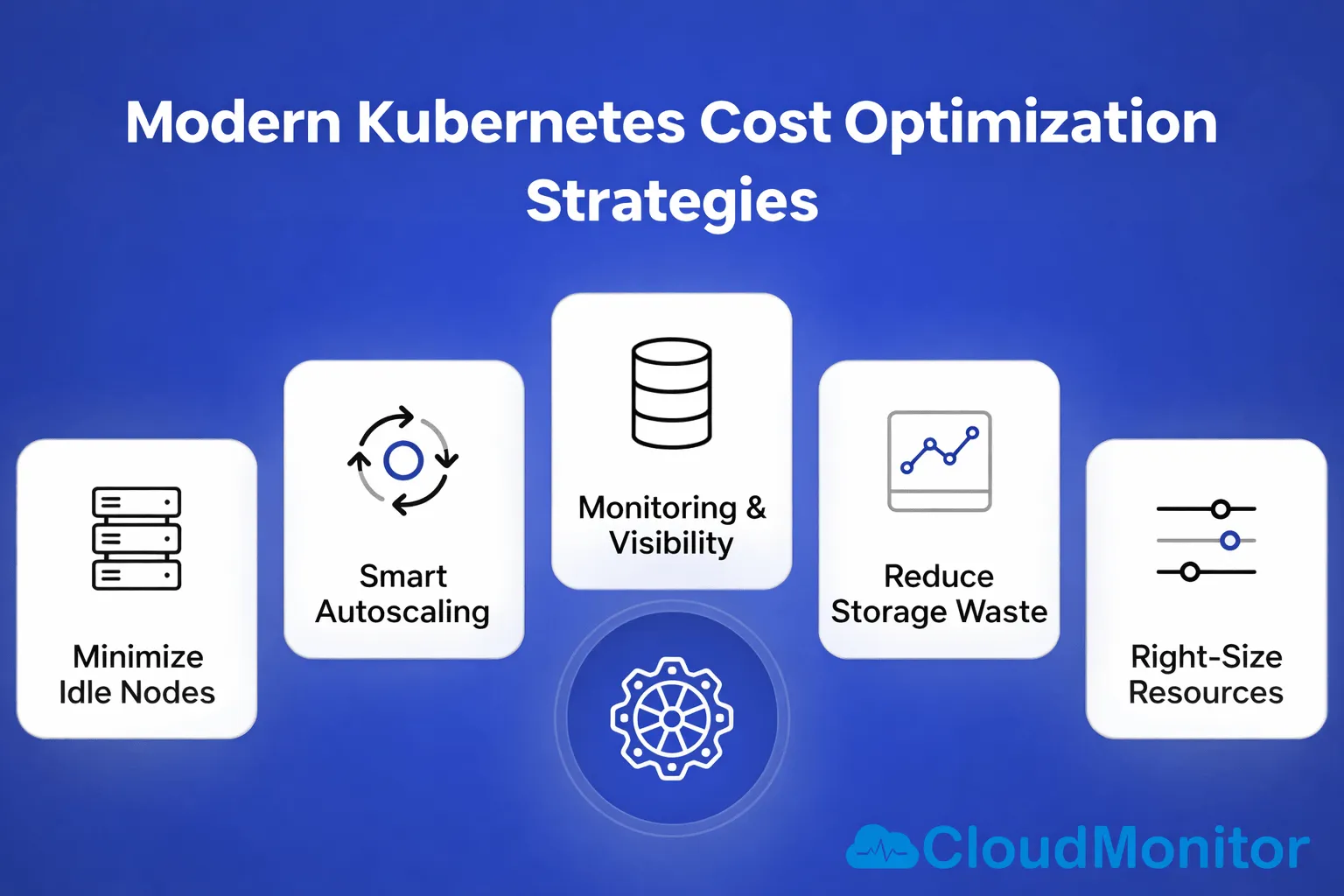
A 2026 guide to Kubernetes cost optimization: node sizing, namespace allocation, autoscaler tuning, and FinOps practices that scale with adoption.
Cost Optimization
Green FinOps: why cloud cost optimization and sustainability belong in the same conversation, and how carbon-aware design reduces both bill and footprint.
Cost Anomalies
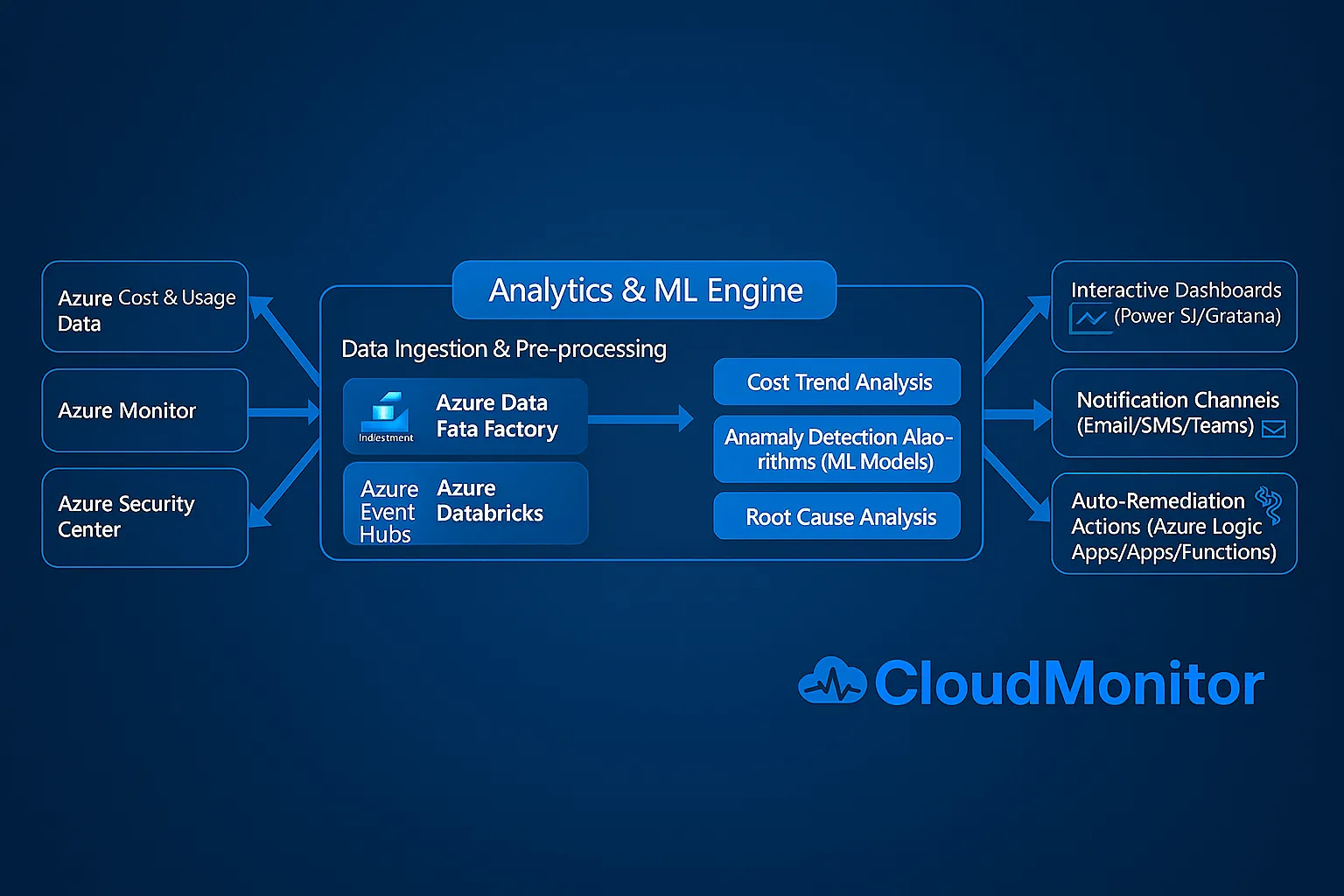
Why real-time cloud cost anomaly detection matters — catching abnormal spend as it happens prevents bill shock and turns alerts into prompt action.

Finops
Stare at a cloud bill long enough and patterns emerge — not just in spend but in engineering behavior. What your bill says about your team's habits.

Cost Saving Tip
Idle cloud resources rack up costs silently across AWS, Azure, and GCP. How to find them, eliminate them, and automate the cleanup.
Cost Anomalies
How to automate real-time cloud cost anomaly detection — baselines, alert routing, and the workflows that turn detection into action before invoice.

Cloud Computing
How to integrate FinOps into AI and ML pipelines — cost-aware experimentation, training-job tracking, and the spend signals that reach data scientists.

Cloud Computing
How to use spot instances safely — workload selection, eviction handling, and the architectural patterns that keep performance reliable on spot pricing.
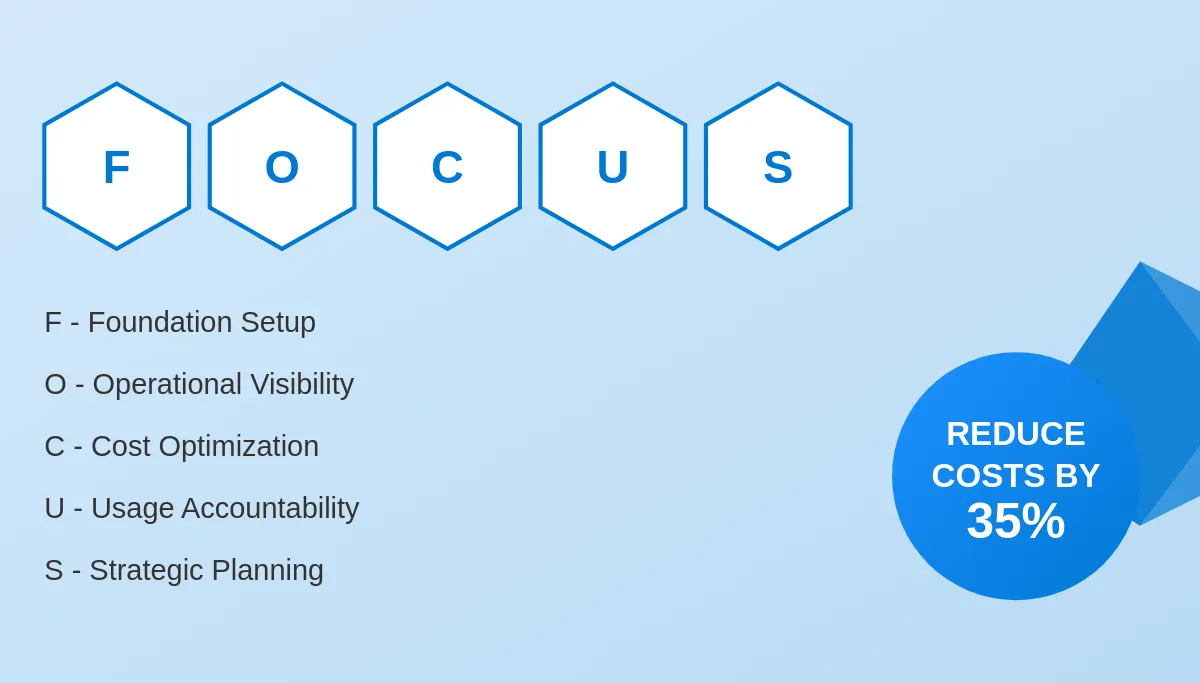
Finops Framework
How to implement the FOCUS specification on Azure: tagging policies, cost allocation, and the structure that brings clarity to multi-cloud billing.
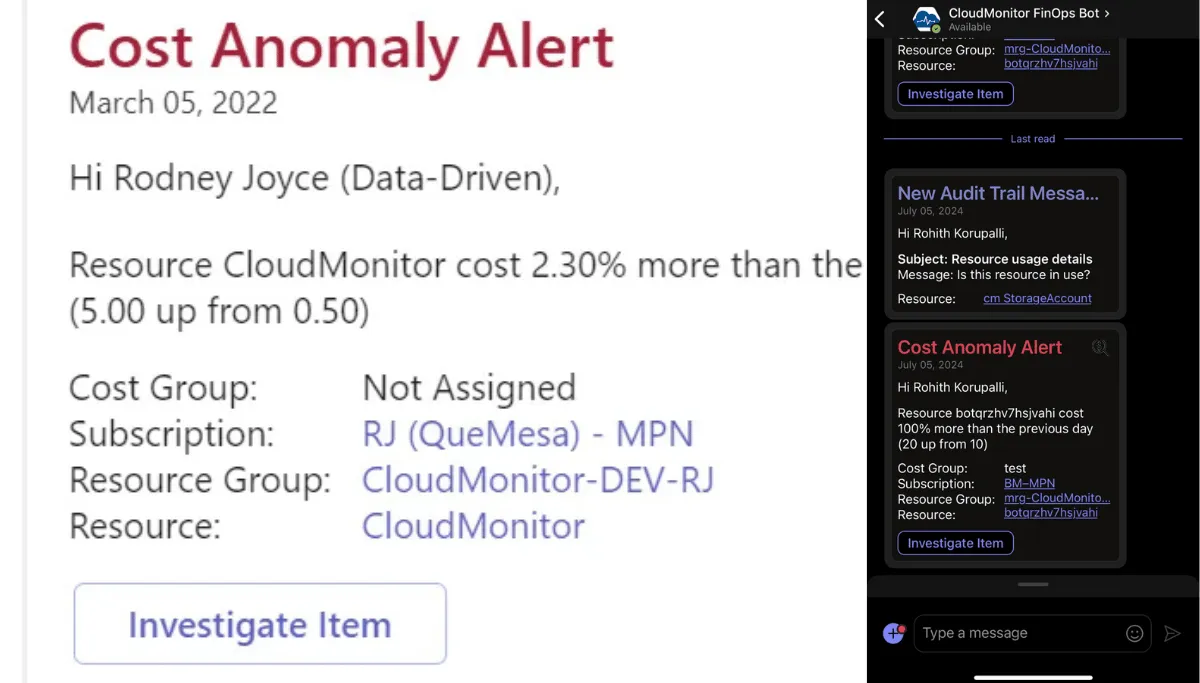
Cost Anomalies
An Azure cost anomaly that runs three weeks is a four-figure mistake. Real-time detection: baselines, scoping, alert routing — and the response playbook.
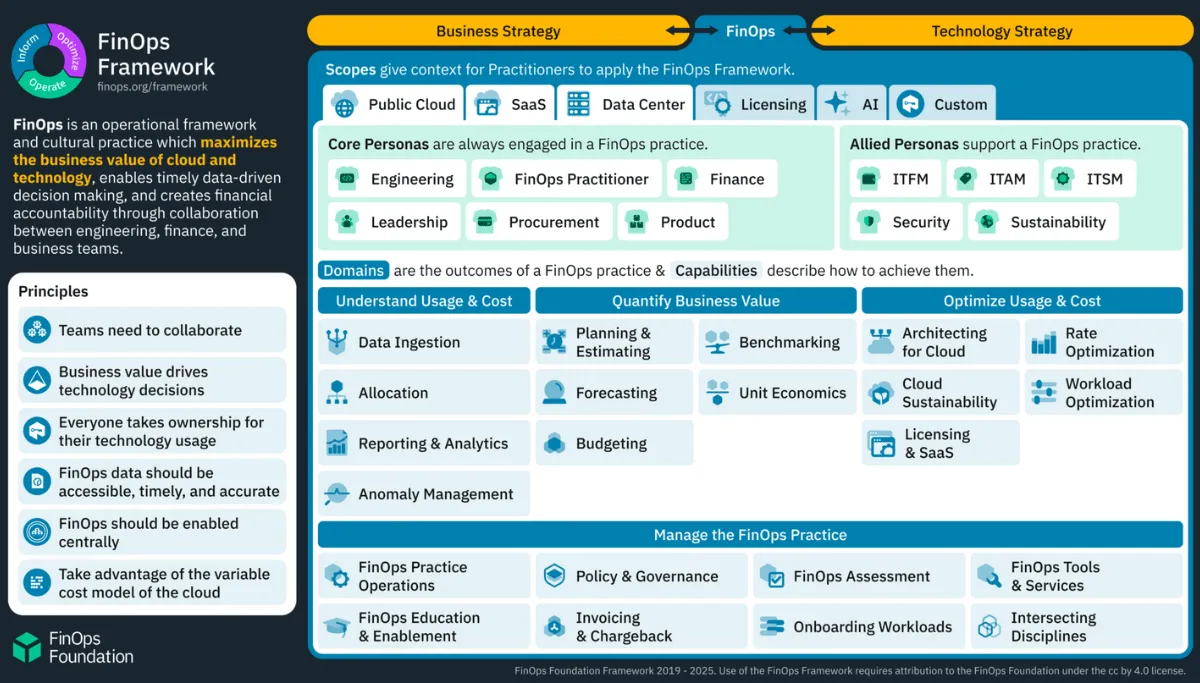
Finops Framework
Scopes, revised principles, and renamed domains — the three structural changes in the 2025 FinOps Framework and what they mean for Azure teams.

Finops
The essential pillars of FinOps: financial accountability, engineering ownership, and the domains that turn cloud cost control into shared discipline.

Cloud Computing
The case for real-time cloud analytics in modern enterprises: faster decisions, immediate anomaly detection, and continuous optimization at scale.

Budgets Forecast
Cloud budgeting best practices for small and medium businesses: realistic forecasts, guardrails, and the workflows that keep spend predictable.
Cloud Computing
A strategic approach to cloud migration and modernization: assessment, prioritisation, security-first staging, and the cost guardrails that protect ROI.
Budgets Forecast
Breaking down Azure billing complexity: how to read meter categories, consumption rates, and discount structures — and the tools that simplify them.
Release
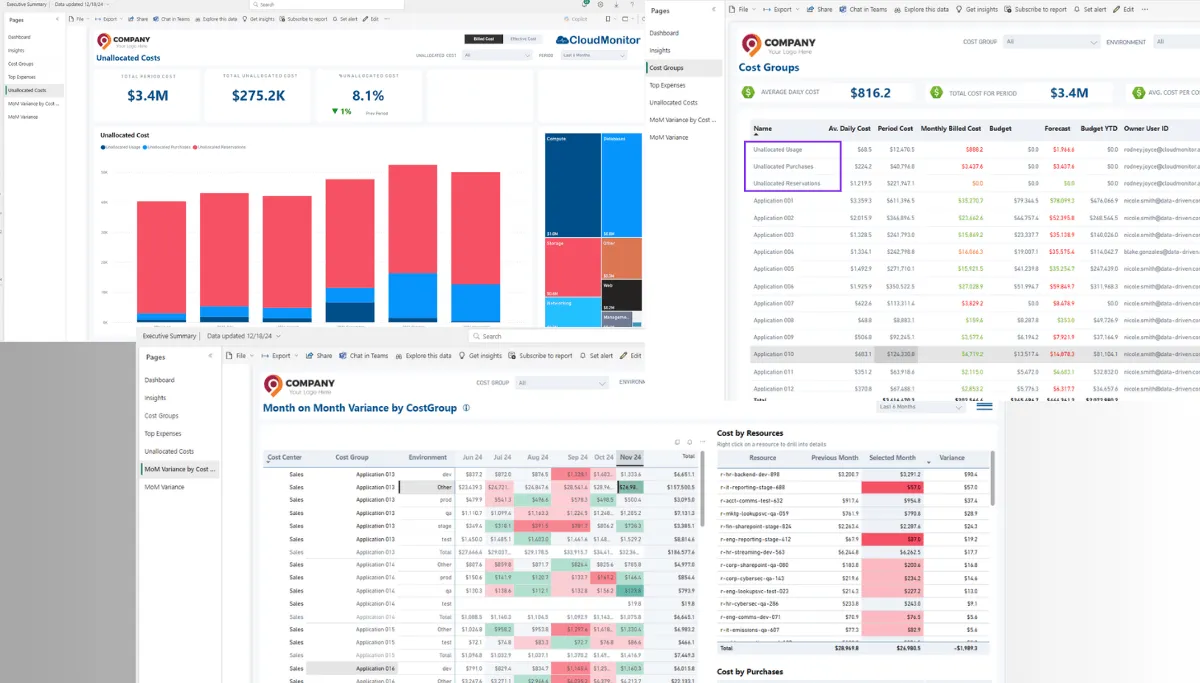
December 2024 release: enhanced features, improved performance, and new capabilities that sharpen Azure cost management heading into the new year.
Cost Optimization
How non-production environments quietly drain cloud budgets — dev/test/staging waste patterns, and the schedules, policies, and automation that cut it.
Cost Optimization
How intelligent scheduling and consistent tagging turn fragmented cloud spend into accountable, cost-efficient infrastructure management.

Cost Optimization
AI-driven monitoring for hybrid and multi-cloud: how machine learning unifies visibility, simplifies operations, and surfaces cost waste in real time.
Cost Optimization
Cost Groups categorize cloud spend by team, project, resource type, or business unit — the structure behind accurate chargeback and showback.
Cost Optimization
How AI-powered cloud monitoring prevents downtime and data loss — anomaly detection, predictive alerting, and the patterns humans typically miss.
Cost Optimization
A 2024 guide to IT provisioning: what it is, who owns it, automation patterns, and the cost governance that keeps provisioning ahead of budget creep.
Cost Optimization
A security-first cloud migration playbook: how to move applications, data, and workloads without compromising integrity, compliance, or uptime.

Cloud Computing
Five limitations of a tactical, short-term approach to cloud cost management — and what changes when FinOps becomes a long-term operating discipline.

Release
September release: budgeting improvements, Billed Cost vs List Cost toggle for cost centers, and performance optimisations across the report suite.

Cost Allocation
How to optimize allocated resource costs in the cloud — tagging discipline, cost-center alignment, and the chargeback model that drives accountability.

Cost Allocation
Ten cost-tagging best practices for 2024 — standardized tag schemas, stakeholder alignment, and automation that makes chargeback actually work.
Finops
FinOps vs the old way of cost management — the shift from siloed, reactive reviews to a collaborative, proactive discipline shared by every team.
Finops
Five real examples of companies gamifying FinOps — leaderboards, savings dashboards, and the team rituals that made cost accountability stick.

Finops
Five core FinOps principles applied inside the software development lifecycle — how engineering teams turn cost ownership into a daily habit.

Release
June 2024 release: FOCUS 1.0 compliance, GCP cost ingestion, anomaly change logs, and a refreshed Microsoft 365 reports dashboard.

Cost Optimization
Recording of the Mastering FinOps on Azure series — practical strategies for optimizing Azure spend across engineering, finance, and product teams.
Finops Tools
CloudMonitor vs CloudHealth, side by side: reporting, cost anomalies, alerts, and how each tool handles enterprise FinOps reality.

Finops
FinOps moves cloud cost from a finance-team problem into an engineering metric — what changes when every team treats spend as part of their KPI.

Finops Framework
Inform, Optimize, Operate — the three FinOps phases that turn cloud cost chaos into a repeatable, business-aligned operating discipline.

Finops Framework
The FinOps Foundation's six principles, explained: collaboration, ownership, business value, accessible data, central team, and variable cost models.

Cost Optimization
Six cloud cost management strategies that scale: tagging discipline, commitment coverage, anomaly alerting, automation, allocation, and reviews.

Cloud Computing
Five cloud cost models compared — pay-as-you-go, reserved, savings plans, spot, and committed-use — and which workloads suit each.

Finops
FinOps is the operating practice that gives engineering, finance, and product a shared way to decide what cloud spend is worth — and what to do.

Finops Tools
An overview of cloud cost optimization tools — first-party native tools versus third-party vendors, and the trade-offs that decide which fits.

Finops
The four pillars of cloud optimization — cost, performance, security, and scalability — and the practices that keep each from drifting out of balance.

Cost Optimization
Cloud optimization, defined: how to balance workload performance, cost, and security continuously so resources match what each application actually needs.
Cost Optimization
An honest read on what cloud optimization tools and services actually do for an enterprise Azure customer — four outcomes worth paying for, with trade-offs.

Finops Tools
A practitioner's tour of Azure cost management tooling — what Cost Management + Billing does well, where it falls short, and what to layer on top.

Cloud Computing
Capital expense vs operating expense — the trade-offs behind on-prem CapEx and cloud OpEx, and which model wins for which kind of organisation.

Cost Optimization
Azure cost management tools, ranked: what's native to Microsoft, what each third-party tool actually adds, and how to pick the right combination.
Release
April 2023 release: CloudMonitor open-sources its Power BI FinOps reports on GitHub and ships the four-product CloudMonitor Suite on Azure AppSource.
Governance
Azure governance goes beyond cost monitoring — why role-based access control (RBAC) is the foundation that keeps cloud governance enforceable.

Cost Anomalies
Azure's Anomaly Detection API (part of Cognitive Services), explained — how it spots unusual patterns in cost and usage data before they hit the invoice.

Cloud Computing
Why Azure consumption and the invoice that follows so often misalign — and the cost-governance practices that bring strategy back into focus.

Cost Optimization
Why cloud cost monitoring is essential: how dimension-level metrics turn forecasts, budgets, and allocation from guesswork into discipline.

Cost Optimization
A practitioner's guide to reading Azure bills: line items, meter categories, virtual tags, and the cost-management platforms that simplify them.
Release
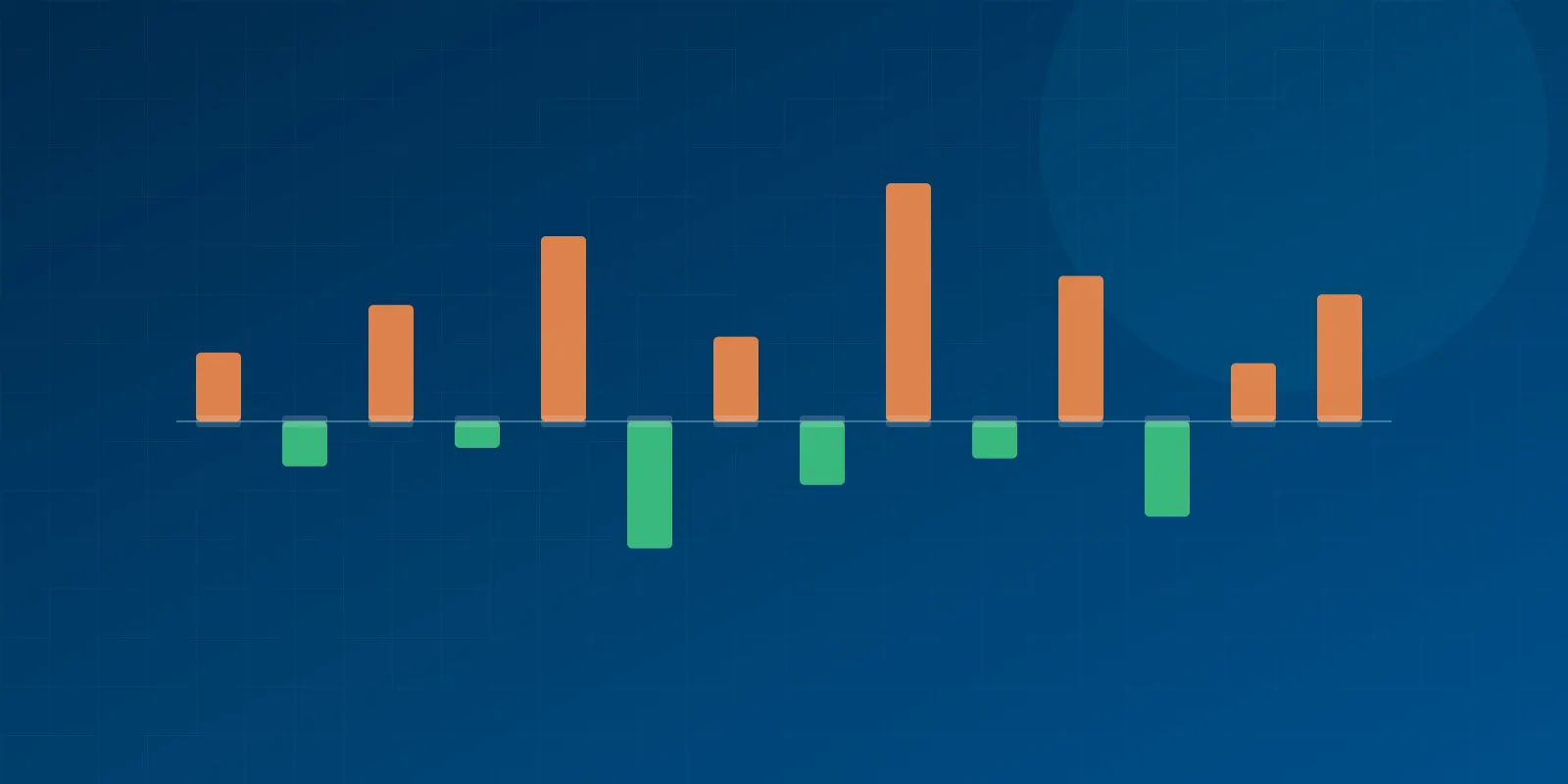
November release adds month-on-month cost variance reports — slice spend by subscription, resource group, or service to find the drivers of every spike.

Cost Optimization
Azure data transfer costs explained: ingress is free, egress is not — the hidden line items, region-pair pricing, and how to lower the bill.

Cost Optimization
Part 1 of a series on Azure cost optimization strategies that get overlooked when CIOs and CTOs focus on the build-vs-buy debate.
Finops
The three most common (over)expectations CIOs and CFOs hold about cloud cost management — and the truths that change how the strategy actually works.

Release
How CloudMonitor reduces your Azure bill and prevents bill shock — continuous monitoring across PaaS and IaaS, with proactive anomaly alerts.